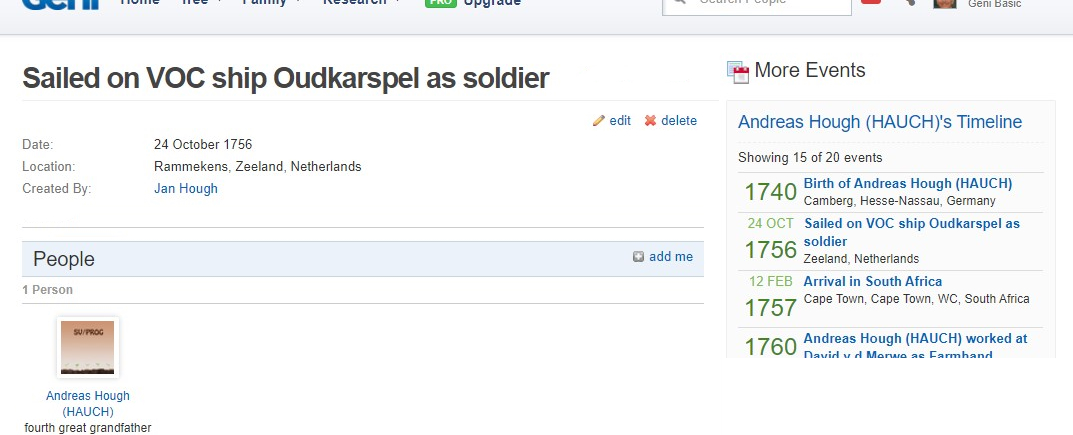
When selecting a timeline event the page layout has buttons for editing or deleting the event. These buttons are placed at the far right top of the page above a listing of other events in the timeline. So, it is not clear what event is to be edited, and it is not obvious to find the buttons as they are located too far to the right.
There are further edits placed directly below the event so it is not obvious what exactly the top right edit buttons are supposed to delete or edit.
There are obvious small changes to the layout which would improve the usability of this page.
An example of a selected timeline edit page: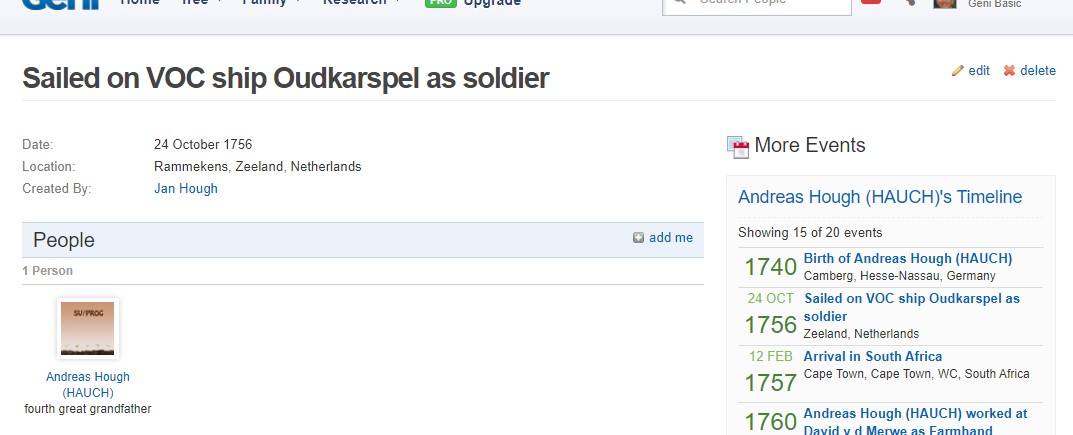
An example of a suggested layout for the selected timeline edit page: